Driver app
The driver app: the load, the documents and the pay, in the driver's hand
Drivers see what the agency assigns them, answer from the phone, photograph the BOL and the POD at the stop and see what each load pays. In English or Spanish, on Google Play and the App Store.
30-day free trial. No card needed. In English and Spanish.
-
Accept or reject, with a reason
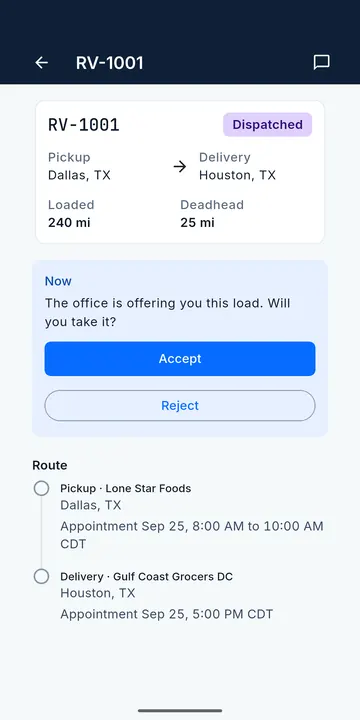
The load arrives as a push notification with its stops and appointments. The driver accepts or rejects; the office knows at once.
-
BOL and POD from the stop
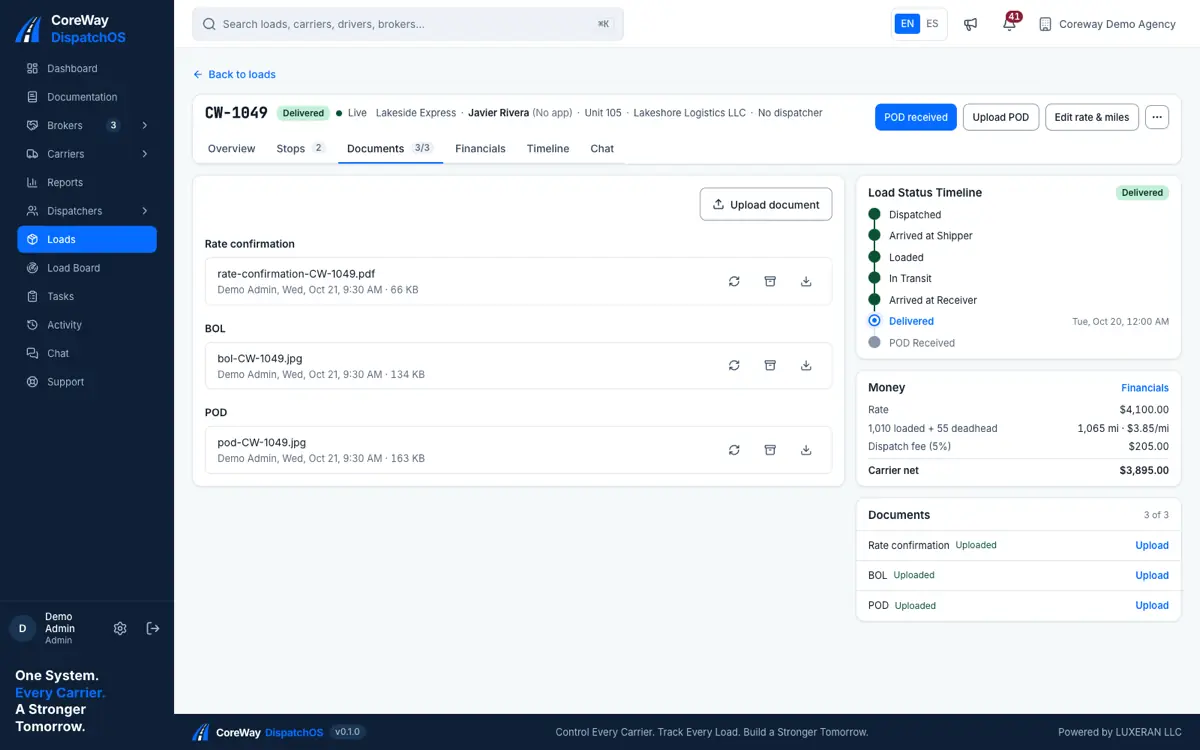
Photographed at pickup and delivery, filed with the load, with who uploaded them and when. No more blurry texts.
-
Pay per load, no surprises
The driver sees what each load pays under his pay plan and when the week is paid. Driver pay counts once the POD is received.
-
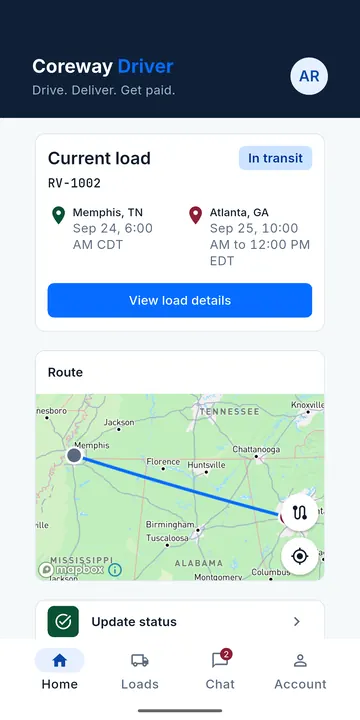
Location only while on a load
If the driver allows it, the app shares location with the office from accepting a load until delivery, and the phone shows it. Off at any time in the phone settings.
-
The offer, as the driver sees it
Load number, broker, pickup and delivery with their appointments, and two buttons. A rejection asks for a reason and returns the load to the agency's board.
- Push notification on assignment
- Accept or reject with a reason
- Statuses in the app match the portal
-
Chat with the office, per load
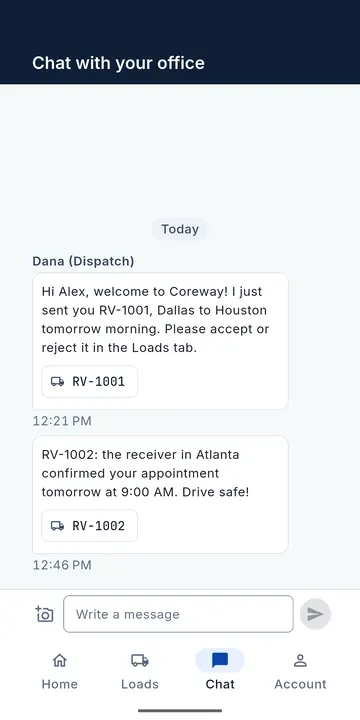
Messages between the driver and the dispatchers stay linked to the load, so a question about an appointment or a lumper is answered where it belongs.
- Threads linked to loads
- The office answers from the portal
- English and Spanish
-
Documents that reach the invoice
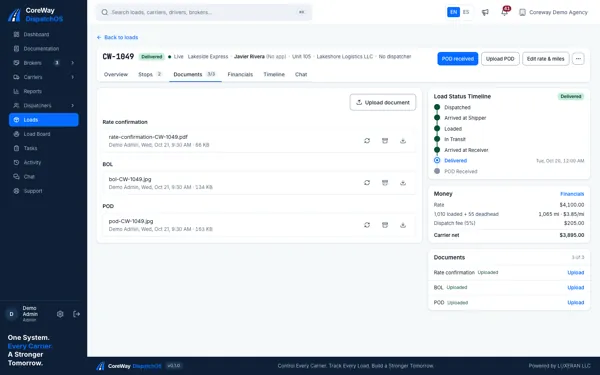
The BOL at pickup and the POD at delivery go from the driver's camera to the load file. The office invoices the broker with the POD attached and the driver's pay is released.
- BOL and POD from the camera
- Receipts (lumper, fuel, tolls, scales, detention) filed with the load
- Filed with the load, visible to the office
Questions agencies ask before signing up
Where do drivers get the app?
On Google Play and the App Store, free. The App Store version is available in the United States and Canada.
Can a driver sign up on their own?
No. The agency sends an invite code and the driver signs in with it. A driver can drive for more than one carrier of the agency.
Does the app track drivers all day?
No. Only if the driver allows it, and only from accepting a load until delivery. The driver can turn it off in the phone settings at any time.
What does the driver see about money?
What each load pays under the pay plan the agency set, reimbursements such as a lumper paid, and when the weekly settlement is paid.
Run your next load in Coreway.
Create your agency in a few minutes and use Coreway free for 30 days. No card needed.